
How to Speed Up a Slow WordPress Website Without Changing Your Theme
If your WordPress website is loading slowly, you're not alone. Slow websites frustrate visitors, reduce conversions, and can negatively affect your search engine rankings. The good news is that you don't always need to replace your WordPress theme to improve your site's performance.
In many cases, the biggest causes of a slow website are poor hosting, unoptimized images, excessive plugins, and outdated software—not the theme itself.
In this guide, you'll learn practical ways to speed up your WordPress website without changing your existing theme. These tips are easy to implement and can significantly improve your website's loading speed, user experience, and SEO performance.
Why Website Speed Matters
Website speed plays a major role in how visitors interact with your site. People expect websites to load quickly, and if your pages take too long, many users will leave before exploring your content.
A faster website can help you:
- Improve user experience
- Increase conversion rates
- Reduce bounce rates
- Improve Google rankings
- Boost Core Web Vitals
- Build trust with visitors
Whether you run a business website, blog, or online store, improving your website speed should always be a priority.
Common Reasons Why WordPress Websites Become Slow
Before making changes, it's important to understand what slows a WordPress website down.
The most common reasons include:
- Slow web hosting
- Large, uncompressed images
- Too many plugins
- Poor caching configuration
- Outdated PHP version
- Unoptimized database
- Heavy JavaScript and CSS files
- Too many external scripts
Fortunately, each of these issues can be fixed without installing a new theme.
1. Upgrade to High-Performance Web Hosting
Your hosting provider is the foundation of your website's performance. Even a perfectly optimized website can feel slow if it's hosted on an overloaded server.
Look for hosting that offers:
- NVMe SSD storage
- Latest PHP versions
- Free SSL certificates
- Daily backups
- Reliable uptime
- Optimized WordPress environment
- Responsive technical support
Better hosting often provides the biggest improvement in website speed.
2. Compress and Optimize Images
Large image files are one of the biggest causes of slow-loading websites.
Before uploading images:
- Resize them to the required dimensions.
- Compress them without losing quality.
- Use modern formats like WebP where possible.
- Avoid uploading high-resolution images directly from your phone or camera.
Smaller images reduce page size and improve loading speed.
3. Enable Website Caching
Caching stores a static version of your pages so they don't have to be generated every time someone visits your website.
Benefits of caching include:
- Faster page loading
- Reduced server load
- Better user experience
- Improved performance during traffic spikes
Several WordPress caching plugins make this process simple and effective.
4. Remove Unused Plugins
Every installed plugin adds code to your website. Too many plugins—or poorly coded ones—can slow down your site.
Regularly review your plugins and:
- Remove anything you don't use.
- Replace multiple plugins with one if possible.
- Keep only trusted and regularly updated plugins.
The goal isn't to have fewer plugins but to use only the ones that provide real value.
5. Update to the Latest PHP Version
PHP powers WordPress, and newer versions are significantly faster and more secure.
Updating PHP can provide:
- Better website performance
- Improved security
- Faster execution times
- Better compatibility with modern plugins
Ask your hosting provider if you're unsure which PHP version your website is using.
6. Clean Your WordPress Database
Over time, your database collects unnecessary information such as:
- Old post revisions
- Spam comments
- Deleted content
- Expired temporary data
Cleaning your database regularly reduces its size and improves website performance.
Always create a backup before performing database maintenance.
7. Minify CSS and JavaScript Files
CSS and JavaScript files often contain unnecessary spaces and formatting that increase file size.
Minifying these files helps:
- Reduce page size
- Improve loading speed
- Decrease server requests
Many caching plugins include built-in options to minify CSS and JavaScript automatically.
8. Enable GZIP Compression
GZIP compression reduces the size of files sent from your server to your visitors' browsers.
This results in:
- Faster page loading
- Lower bandwidth usage
- Better overall website performance
Most quality hosting providers support GZIP compression by default.
9. Reduce External Requests
Many websites load content from third-party services, including:
- Google Fonts
- Social media widgets
- Live chat software
- Advertising scripts
- Analytics tools
Each external request increases loading time.
Only use external services that are essential for your website.
10. Keep WordPress Updated
Always keep your website updated, including:
- WordPress Core
- Plugins
- Themes
- PHP version
Updates often include performance improvements, bug fixes, and security enhancements.
Before updating, create a complete backup of your website.
11. Disable Features You Don't Use
WordPress includes several features that many websites never use.
Examples include:
- Emojis
- Embeds
- Pingbacks
- Trackbacks
- Unused widgets
Disabling unnecessary features reduces the amount of code loaded on each page.
12. Monitor Core Web Vitals
Google uses Core Web Vitals to measure real-world user experience.
Pay attention to:
- Largest Contentful Paint (LCP)
- Interaction to Next Paint (INP)
- Cumulative Layout Shift (CLS)
Improving these metrics helps create a faster, more enjoyable browsing experience.
13. Keep Your Homepage Simple
A homepage overloaded with sliders, videos, animations, and widgets takes longer to load.
Instead:
- Highlight your most important content.
- Compress banners and images.
- Avoid unnecessary animations.
- Display only what visitors need to see first.
A clean homepage is usually faster and more effective.
14. Test Your Website Regularly
Website optimization is an ongoing process.
Regularly test your website after making changes to ensure performance continues to improve.
Check both desktop and mobile performance, as many visitors browse using smartphones.
Common Mistakes That Slow Down WordPress
Avoid these common mistakes:
- Uploading oversized images
- Installing unnecessary plugins
- Ignoring WordPress updates
- Using outdated PHP versions
- Choosing low-quality hosting
- Not enabling caching
- Leaving unused themes installed
Correcting even a few of these issues can noticeably improve loading speed.
Why Hosting Still Makes the Biggest Difference
While optimization techniques are important, your hosting environment remains one of the biggest factors affecting website speed.
A reliable hosting provider offers:
- Fast NVMe SSD storage
- Stable servers
- Latest PHP support
- Free SSL certificates
- Daily backups
- Strong security
- Excellent uptime
If your website remains slow despite optimization, your hosting may be the bottleneck.
Why Choose HostingKart?
At HostingKart, we provide hosting solutions designed to deliver excellent performance for WordPress websites.
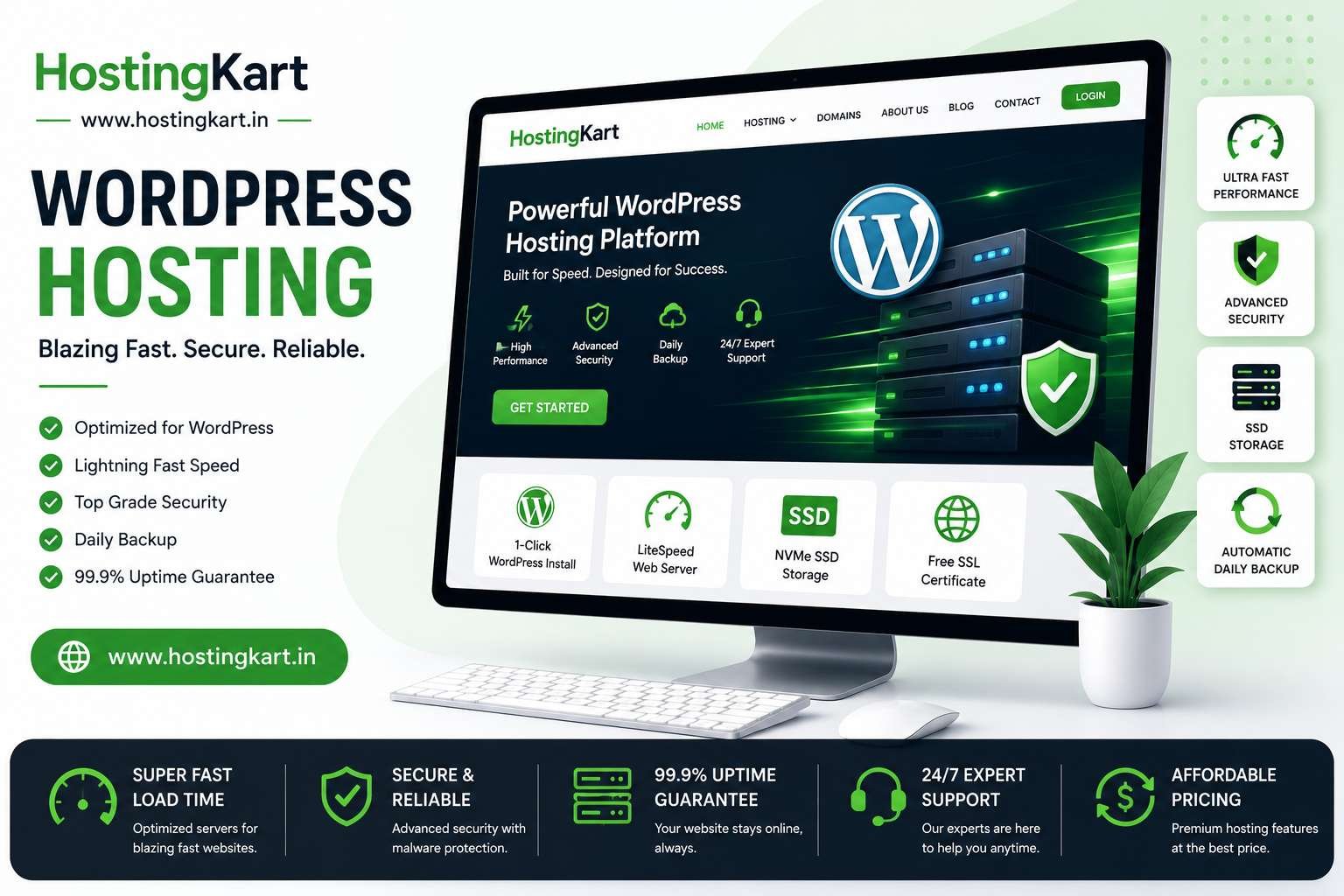
Our hosting plans include:
- High-speed NVMe SSD storage
- Free SSL certificates
- DirectAdmin Control Panel
- WordPress-ready hosting
- Daily backups
- Strong security features
- Reliable uptime
- Friendly technical support
Whether you're running a personal blog, business website, or eCommerce store, our hosting platform is built to help your website perform at its best.
Final Thoughts
A slow WordPress website doesn't always require a new theme. By improving your hosting, optimizing images, enabling caching, cleaning your database, updating PHP, and removing unnecessary plugins, you can dramatically improve your website's performance.
Website speed isn't just about SEO—it directly affects how visitors experience your website. Faster websites keep users engaged, improve conversions, and help build trust with your audience.
Start with the simplest improvements and continue monitoring your site's performance over time. Every second you save can make a measurable difference to your business.
Frequently Asked Questions
Can I speed up WordPress without changing my theme?
Yes. Most performance issues are caused by hosting, images, plugins, caching, or outdated software rather than the theme itself.
Does website speed affect Google rankings?
Yes. Google considers page experience and Core Web Vitals when evaluating websites, making speed an important SEO factor.
How often should I optimize my WordPress website?
Review your website every few months or after installing new plugins, changing hosting settings, or publishing large amounts of content.
Are too many plugins bad for WordPress?
Not necessarily. The quality of plugins matters more than the quantity. Remove plugins you don't use and keep the rest updated.
Is better hosting worth the investment?
Absolutely. High-quality hosting can improve loading speed, uptime, security, and overall website performance, providing a better experience for both visitors and search engines.