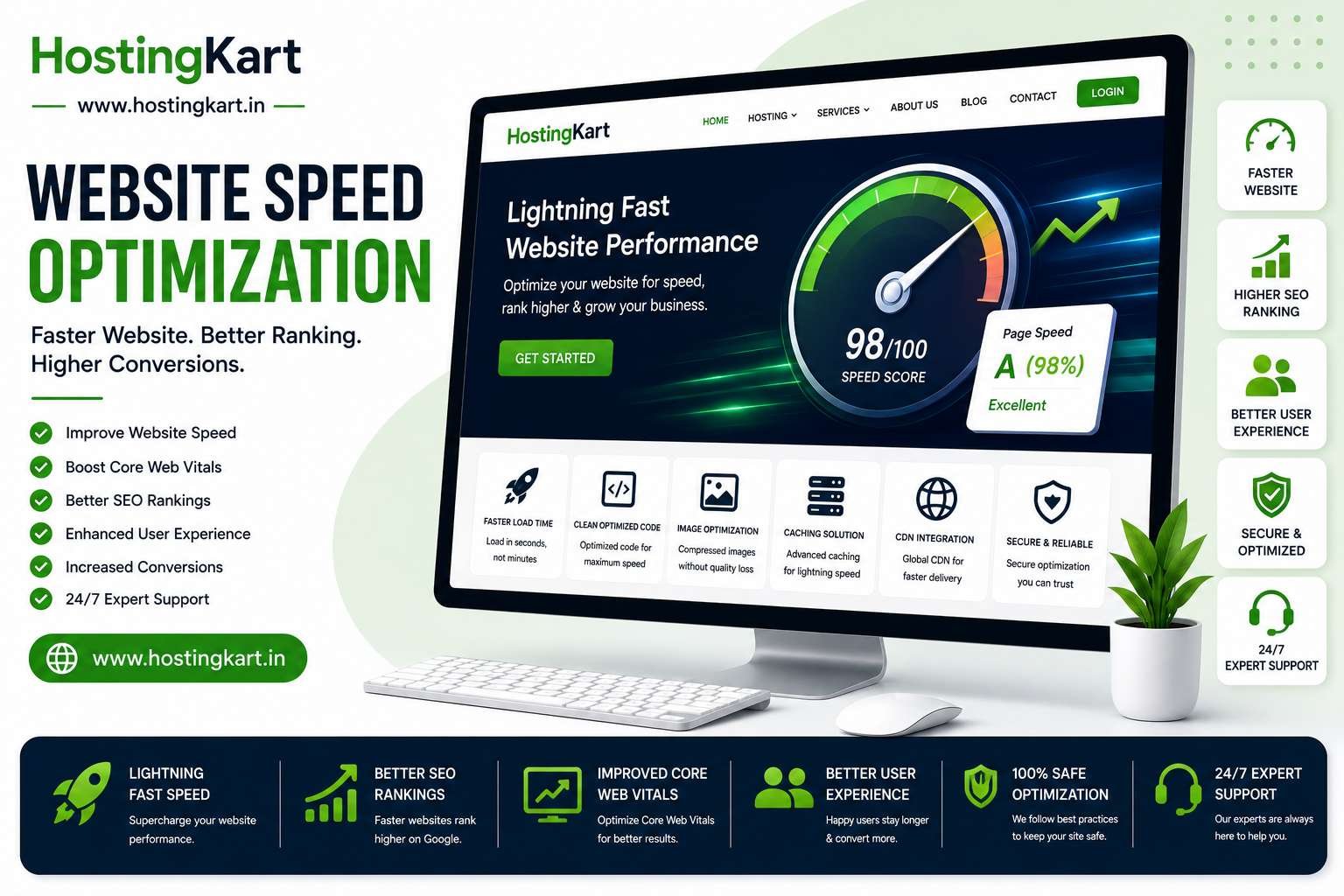

Website speed is one of the most important factors affecting user experience, search engine rankings, and conversion rates.
Studies consistently show that visitors expect websites to load quickly. Even a few extra seconds of loading time can increase bounce rates and reduce engagement.
If your WordPress website feels slow, don't worry. In this guide, we'll cover 15 proven techniques to improve website speed and performance.
Why Website Speed Matters
A fast website can help:
- Improve user experience
- Increase conversions
- Reduce bounce rates
- Improve search visibility
- Enhance customer satisfaction
Website speed is no longer just a technical consideration—it's a business advantage.
1. Choose High-Performance Hosting
Your hosting provider forms the foundation of website performance.
Look for hosting that offers:
- NVMe SSD storage
- Optimized servers
- Reliable uptime
- Advanced caching support
Poor hosting cannot be fully compensated for through plugins and optimizations.
2. Use a Lightweight Theme
Some WordPress themes contain excessive code and features.
Choose themes that are:
- Fast-loading
- Mobile-friendly
- Well-maintained
- Optimized for performance
A lightweight theme can significantly improve loading times.
3. Install a Caching Plugin
Caching reduces the amount of processing required to generate pages.
Benefits include:
- Faster page loads
- Reduced server load
- Improved visitor experience
Caching is one of the easiest ways to improve performance.
4. Optimize Images
Large images are one of the most common causes of slow websites.
Best practices:
- Compress images before uploading
- Use modern formats when appropriate
- Resize images to actual display dimensions
Optimized images improve both speed and user experience.
5. Enable Lazy Loading
Lazy loading delays the loading of images until visitors scroll to them.
Advantages include:
- Faster initial page loads
- Reduced bandwidth usage
- Improved perceived performance
Most modern WordPress installations support lazy loading.
6. Minify CSS and JavaScript
Minification removes unnecessary characters from code files.
Benefits include:
- Smaller file sizes
- Faster downloads
- Improved page speed
Many optimization plugins can automate this process.
7. Reduce Plugin Usage
Too many plugins can increase server load.
Review installed plugins regularly and remove:
- Unused plugins
- Duplicate functionality
- Poorly maintained plugins
Quality is more important than quantity.
8. Use a Content Delivery Network (CDN)
A CDN distributes website content across multiple servers worldwide.
Benefits:
- Faster global loading speeds
- Reduced latency
- Improved reliability
CDNs are particularly useful for websites with visitors from multiple regions.
9. Keep WordPress Updated
Updates often include:
- Performance improvements
- Security fixes
- Bug corrections
Regular updates help maintain a fast and secure website.
10. Optimize Your Database
Over time, WordPress databases accumulate unnecessary data.
Regular optimization can help:
- Improve query performance
- Reduce database size
- Enhance overall responsiveness
11. Limit External Scripts
External resources such as fonts, ads, and widgets can slow page loading.
Evaluate whether each external script provides enough value to justify its impact.
12. Enable GZIP Compression
Compression reduces file sizes before transmission to visitors.
Benefits include:
- Faster downloads
- Lower bandwidth consumption
- Improved loading speed
Most modern hosting environments support compression.
13. Remove Unused Themes and Plugins
Unused software consumes resources and may introduce security risks.
Keep only what is necessary for your website.
14. Monitor Website Performance
Use performance testing tools regularly to identify bottlenecks.
Monitor:
- Page load times
- Core Web Vitals
- Server response times
Regular monitoring helps identify issues before they affect visitors.
15. Upgrade to Better Hosting When Needed
As traffic grows, your hosting requirements may increase.
Common signs you need an upgrade:
- Slow loading speeds
- Resource limitations
- Frequent downtime
- Increased traffic
Upgrading to a faster hosting solution often provides the largest performance improvement.
Common Causes of Slow WordPress Websites
The most common performance issues include:
- Low-quality hosting
- Oversized images
- Too many plugins
- Poorly coded themes
- Lack of caching
- Unoptimized databases
Addressing these areas can produce significant speed improvements.
Frequently Asked Questions
Does Website Speed Affect SEO?
Yes. Website speed contributes to user experience and can influence search performance.
What Is a Good Website Load Time?
Generally, websites should aim to load within a few seconds for the best user experience.
Can Better Hosting Improve Website Speed?
Absolutely. Hosting quality has a direct impact on server response times and overall performance.
Is WordPress Naturally Slow?
No. With proper optimization and quality hosting, WordPress can be extremely fast.
Conclusion
Improving WordPress performance doesn't require advanced technical skills. By choosing reliable hosting, optimizing images, enabling caching, and maintaining your website properly, you can significantly improve loading speeds and user experience.
Start with the basics, monitor performance regularly, and continue optimizing over time. Faster websites create happier visitors, stronger engagement, and better business results.